
See your own house with a new exterior
Upload a photo of your house, try different exterior styles, colors and materials, then compare the results before you renovate.
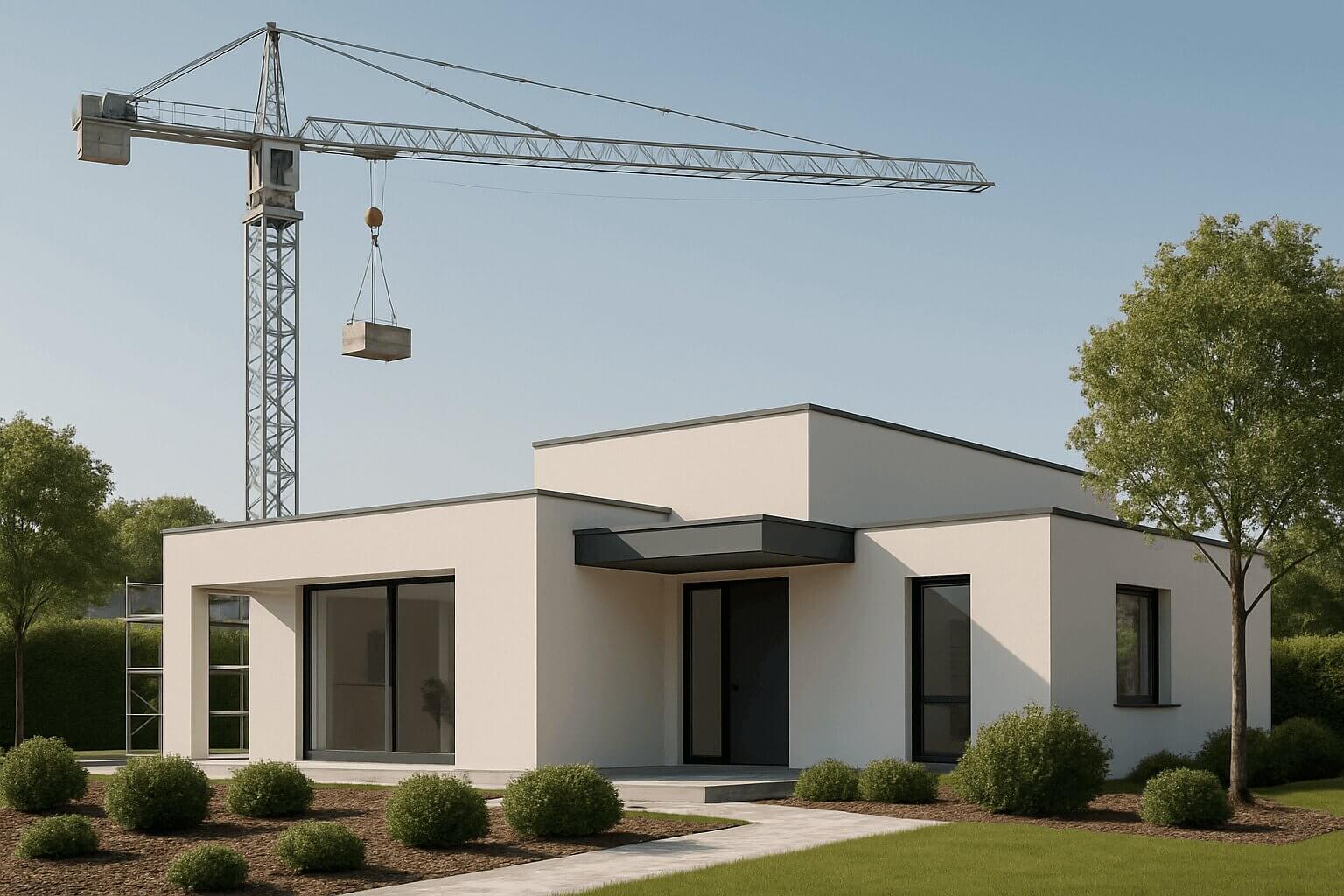
One house. Three new exterior possibilities.
Start with a photo of your house and explore different materials, colors and finishes.
AI-generated concepts. Architectural details and surroundings may change. Not a completed renovation. Original photo: Tom Fisk / Pexels.
See it on your own house
Not sure how render, stone or wood-look cladding would look on your home? Try it on a photo of the house you actually have, before you buy materials or book the work.
Compare ideas side by side
Put different exterior directions next to your original photo and see which one really suits your home, rather than guessing from swatches or other people's houses.
Agree on a direction
Keep your options together, decide with your family and download the design you choose to show your contractor the look you mean.
From a photo to a clear direction in 3 steps
No design experience and no prompt writing: just a clear photo of your house and a few simple choices.
Upload a photo of your house
Use a clear daylight photo of the front of your house. Include the roofline, windows and entrance.
Choose the look to explore
Pick a style (Minimalistic, Scandinavian, American or Rustic), then the exterior material, colors, roof, windows and more. Choose "Keep original photo" for anything that should stay as it is.
Compare and choose a direction
See each design next to your original photo, compare versions, continue from the one you like and keep the direction you choose. Check every result for unwanted changes.
From "I wonder how it would look" to "this is our direction"
Hausly is built around one house (yours) and the decision you need to make about its exterior.
Your house, not someone else's
Start from a photo of your home and see every new exterior next to the original. You choose from exterior options instead of writing prompts.
- Your original photo beside every design
- Styles, materials, colors, roof, windows and more
- "Keep original photo" for what should stay
Compare, continue, choose
Torn between two ideas? Put them side by side, continue from the direction you like and mark the one you choose.
- Versions of a design kept together
- Compare two designs of your house
- Choose one direction for your project
Come back and share
Your designs are saved, so you can come back later, decide with your family and show your contractor the look you mean.
- Saved designs, organized by project
- Free image downloads
- Visual ideas, not building plans
Start free, then buy credits only if you need more
Try 2 designs free after verifying your email, with no card needed. More designs use one-time credit packs: each generated design uses 3 credits. No subscription.
- Verify your email to get 6 welcome credits (2 designs)
- Try your own house photo
- See the credit cost before every generation
- Mini€4.9015 credits · 5 designs
- Starter€7.9030 credits · 10 designs
- Creator€13.9060 credits · 20 designs
- Rampage€19.90100 credits · 33 designs
One-time purchases, no subscription. Each generated design uses 3 credits. Checkout shows the final amount before you pay.
- Ask about the exterior workflow
- Get help with your account or a purchase
- Read our terms before buying credits
Answers to common questions
Not sure whether Hausly fits your exterior project? These answers might help.
Do I need design experience?
No. If you can take a clear photo of your house, you can use Hausly. You pick a style, materials and colors from simple options; there are no prompts to write.
Will my house still look like my house?
Hausly works from your photo, and you can choose "Keep original photo" for things like the roof, windows and front door. AI can still change details, so compare every design with your original photo; Hausly shows them side by side.
Are the designs ready to build from?
No. Hausly creates visual ideas for your exterior, not technical drawings. Use them to decide on a direction, then ask an architect or contractor to check what is possible on your house, which materials suit it and what it would cost.
How do credits work?
Verify your email to get 6 welcome credits: enough for 2 designs. Each generated design uses 3 credits, so 2 or 3 images in one request use 6 or 9. You always see the cost before you confirm, and downloading your designs is free. More credits come in one-time packs, with no subscription.
Can I show the ideas to my contractor?
Yes. Download any design and share it however you like, by email, message or printed out. It helps you show the look you mean; your contractor still needs to check what can be built.
Why not just use a general AI image tool?
You can, but Hausly is built for one job: deciding on your house's exterior. You choose from exterior options instead of writing prompts, your original photo stays next to every result, and your designs are saved so you can compare them, continue the one you like and choose a direction.
Ready to see your house with a new exterior?
Create a free account, verify your email and try 2 designs on a photo of your house, with no card needed. It takes just a few minutes.
Plan your exterior redesign
Start with a practical guide, then explore a direction using your own house photo.
How to visualize your exterior renovation with AI.
A practical guide to visualizing an exterior renovation with AI: which photo to use, what to keep, how to compare concepts and what to check before deciding.
Materials & finishesCompare facade materials before choosing a direction.
Compare render, stone and wood-look facade ideas using your house photo. Build a visual brief and understand what an AI concept cannot tell you.
Exterior color ideasFind a color direction that works with your whole house.
Explore exterior color combinations for your own house. Compare walls, trim and entrance accents with an AI visual concept before ordering samples.
Renovation planning guideOne older brick house. Three exterior design directions.
See an older brick house reimagined with warm stucco, stone and white cladding with timber accents. Compare Hausly AI concepts with the original photo.
Credits & pricingTry 2 designs free. Buy more only if you need them.
Try 2 exterior designs of your house free, no card needed. Then buy one-time credit packs from €4.90; each design uses 3 credits. No subscription.